Roco Kingdom Quack Quack Test
The Quack Quack Test is Roco Kingdom's first global closed beta. Sign-up closed on October 20, 2026, invitations go out from October 23, and the servers open on October 27, 2026 on PC, Android and iOS.
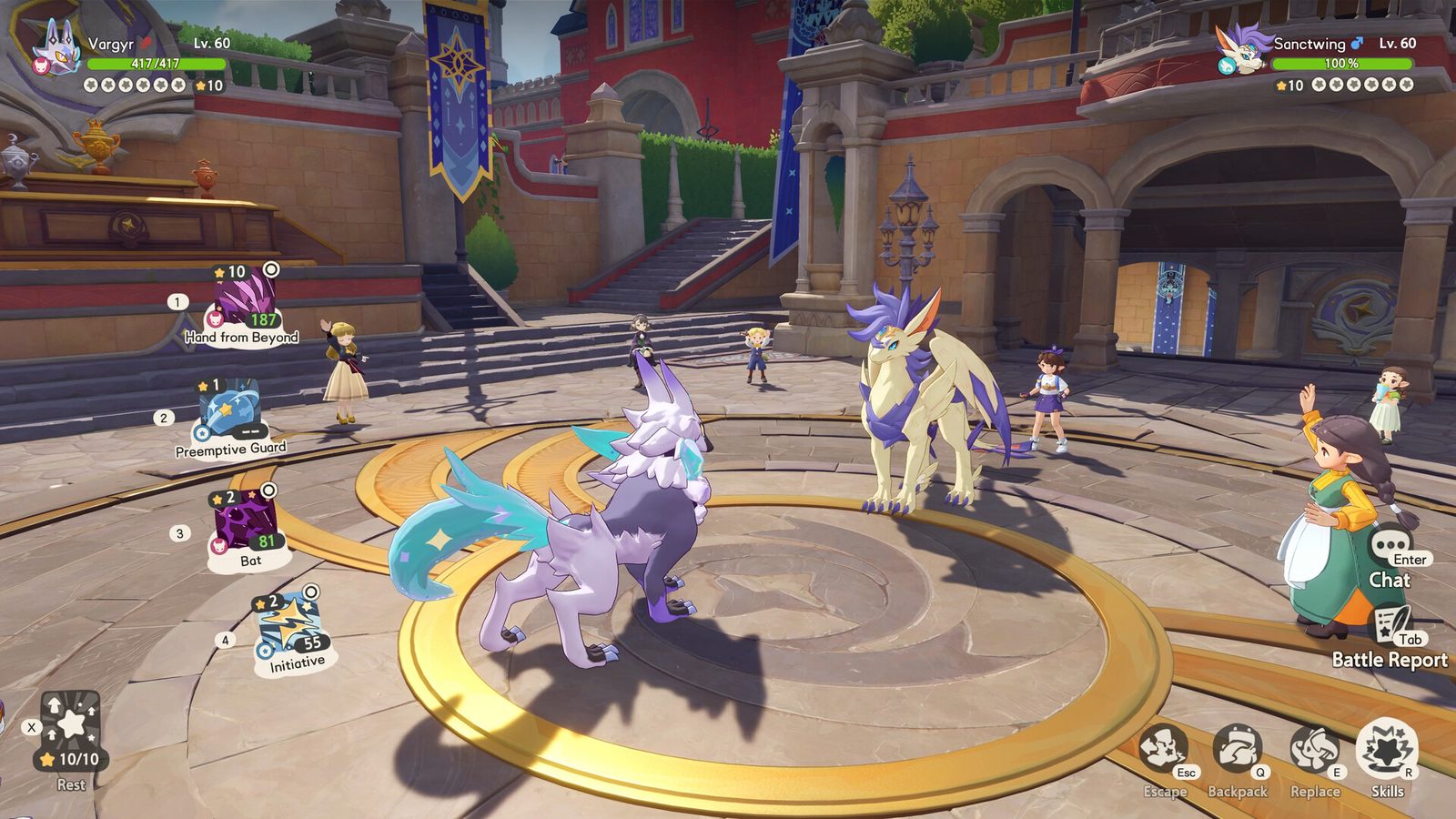 The Quack Quack Test is the name Morefun Studios gave to the first global closed beta of Roco Kingdom. It is a real test build, not a demo: characters are wiped when it ends, in-game purchases are switched off, and the client is limited to English and Japanese.
The dates matter more than anything else on this page, so here they are in one place.
The timeline
| Stage | Date | What it means |
|---|---|---|
| Recruitment opened | August 26, 2026 | Questionnaire plus invite-a-friend bonus entries |
| Recruitment closed | October 20, 2026 | The main sign-up phase ended |
| Access check opens | October 23, 2026 | My Access on rocokingdom.com starts answering |
| Servers open | October 27, 2026 | Countdown on the official site reads 04:30 UTC+0 |
| Test ends | Not announced | Progress is wiped at the end |
The FAQ article published with the beta said 02:00 UTC+0 for October 27 while the live countdown on the official site reads 04:30 UTC+0. Trust the timer on the site you are looking at, and expect the client to unlock when that counter hits zero.
What is actually in the test
- Platforms: PC (via the Roco Kingdom launcher), Android (Google Play) and iOS (TestFlight invitation).
- Languages: English and Japanese. Localization in this build is not final.
- Purchases: none. In-game purchases are disabled for the whole test.
- Cross-progression: your character is shared between PC and mobile during the test.
- Wipe: every character and all progress is deleted when the test closes.
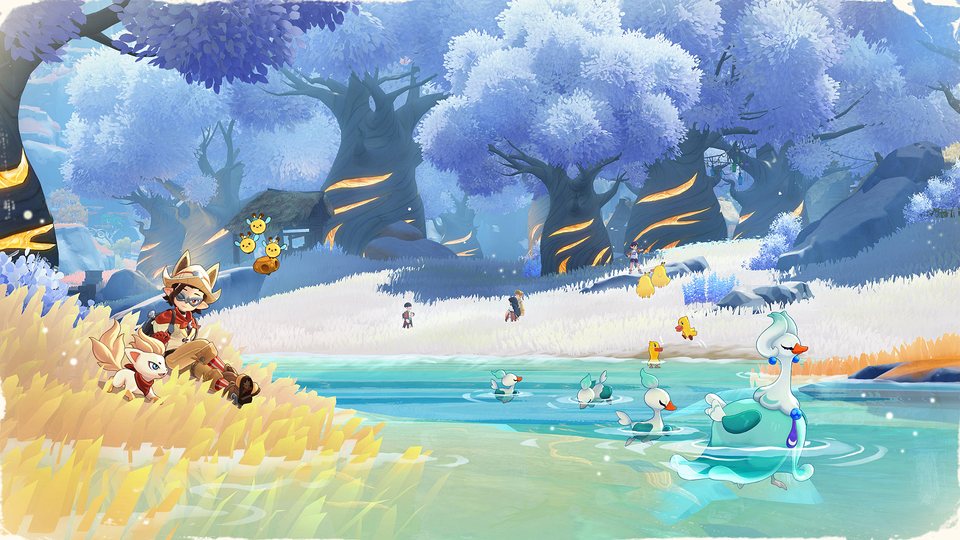
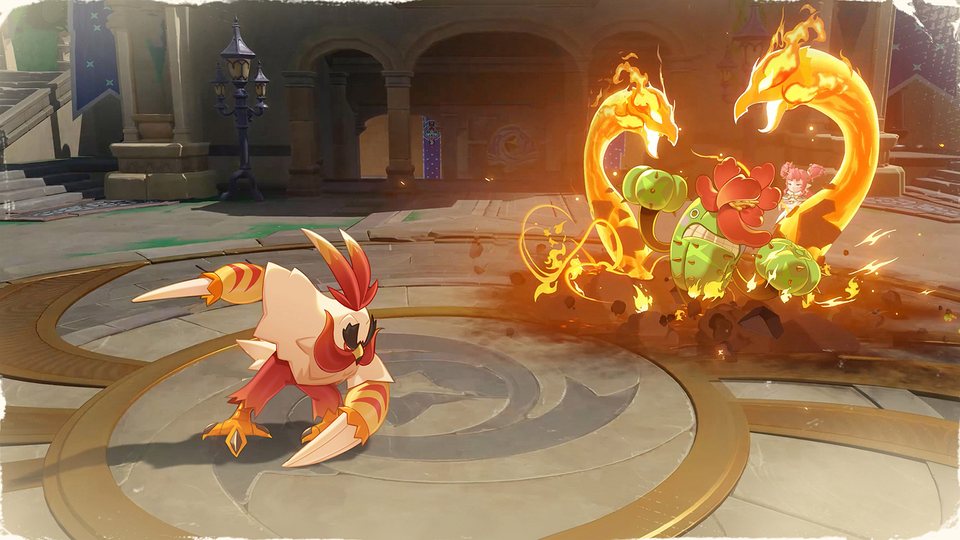
That last point is the one people miss. There is no reason to grind for a permanent account in October, because there will not be one. Treat the beta as a chance to learn the map, the Jini spawns and the battle system early.
How access is handed out
Access is tied to a Level Infinite account — the same login the official site uses. The FAQ is blunt about the rules:
- You must log in with the exact account that was granted access. Any other account is blocked.
- Access cannot be shared, gifted, rented, sold or traded, and account sharing can get the key revoked.
- Confirmation emails go out in waves; if nothing arrives, the My Access page on the official site is the check that matters.
- Missing the sign-up window does not lock you out completely — pre-registering still puts you in the Lucky Drops pool for a test key.
Installing the build
PC: the confirmation email links a launcher download. Log in with the Level Infinite account that was accepted, then hit download inside the launcher.
Android: the invitation opens the Google Play listing for the test build. If your Level Infinite account is not a Gmail address you may not be able to install from Play, so use the launcher instead.
iOS: Apple sends its own invitation mail. Install TestFlight first, then accept the invite. If TestFlight asks for a redemption code, go back to the email and re-open the invite link rather than typing anything.
Before you install
Check the PC requirements first — the test build asks for a DirectX 12 machine with 45 GB free, and 16 GB of RAM even at the minimum tier. Full system requirements for PC and mobile has both tables.
If you get in, the two pages worth reading before your first session are how the opening hours work and how duels are balanced.